User Login History
PE Front Office allows you to display User Login History of a selected user.
Here's how to manage the User Login History
-
Click gear icon
 in the top right.
- Click CRM Settings.
- Click User Login History under Users & Access Management.
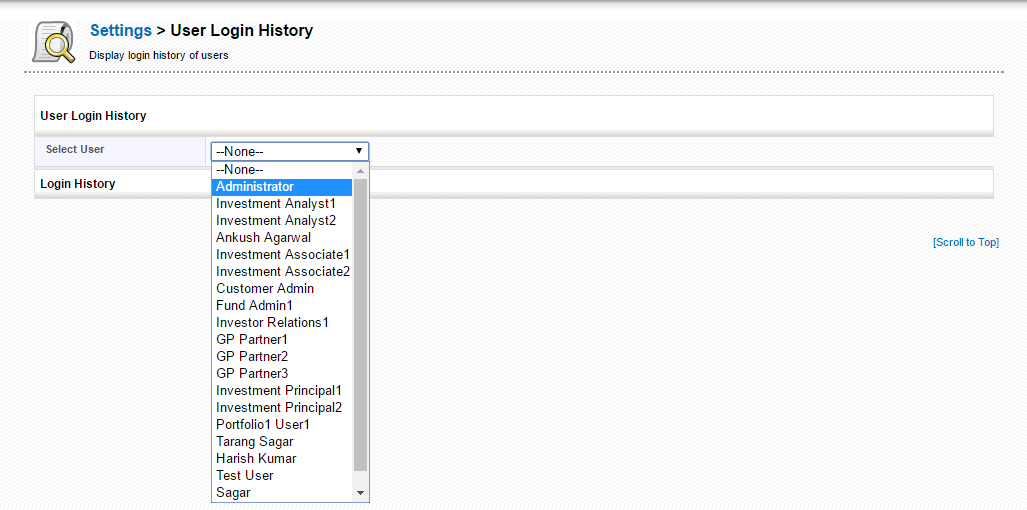
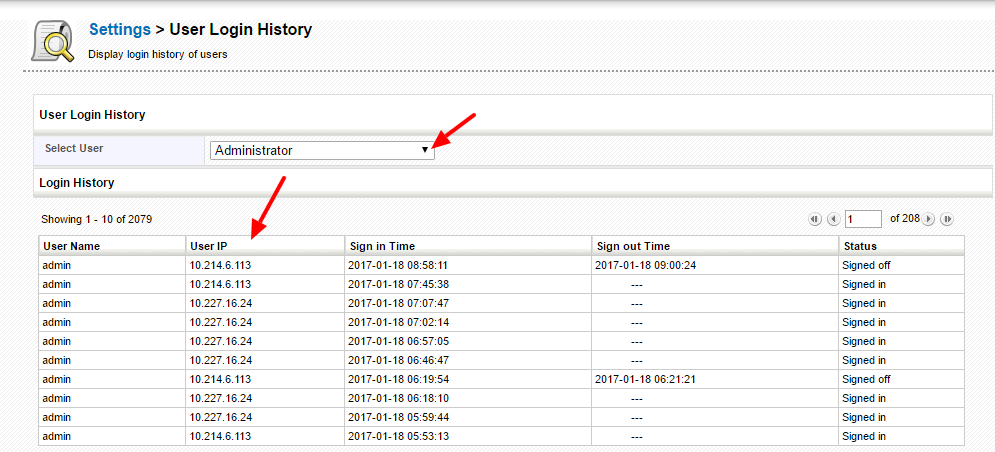
- Login details of the user can be displayed on selecting a user from Select User dropdown.
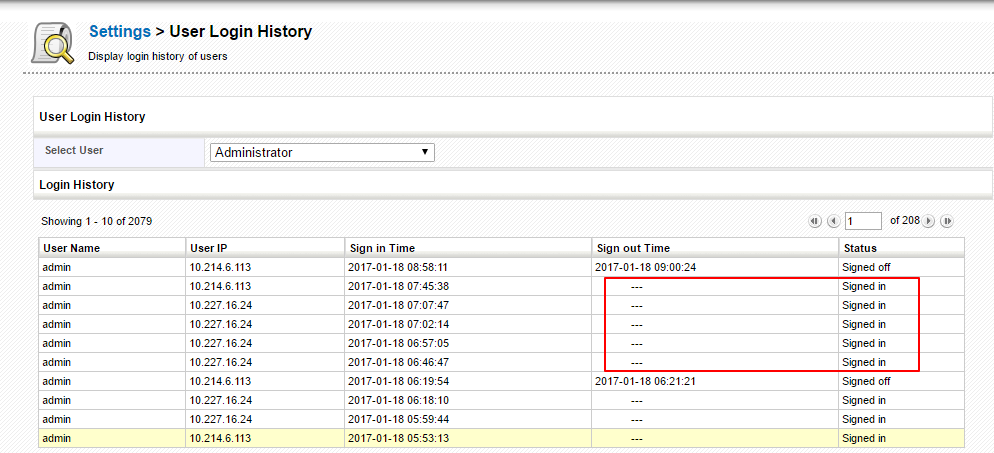
- The results can be displayed under five columns namely User Name, displays user name of the user; User IP, displays user IP address; Sign In Time, displays sign in time of the user; Sign Out Time, displays sign-out time and Status, displays user login status.
- The two columns Sign out Time and Status can be updated only if user clicks Sign Out option to signout of the PEFO CRM rather closing the browser.