Company Details
PE Front Office allows you to save your company details.
Here's how to manage the company details
-
Click gear icon
 in the top right.
- Click CRM Settings.
- Click Company Details under Communication Templates.
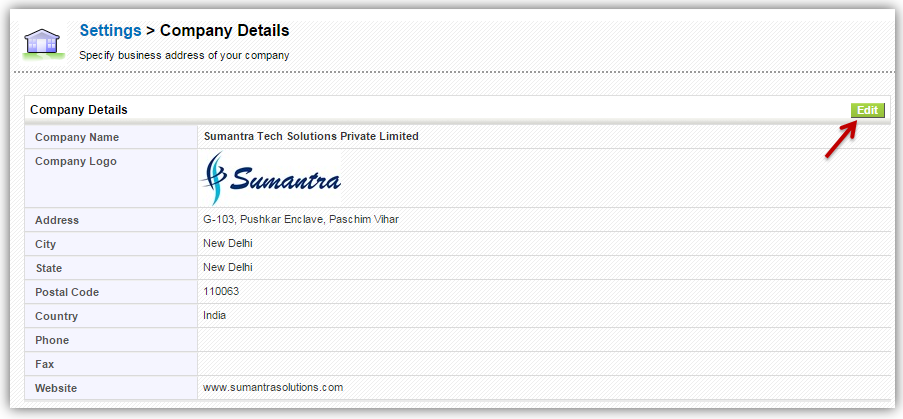
- You will see Company Details window. You can provide following details
- Company Name
- Company Logo
- Company Address
- Company Website
- To Edit the details, click the edit button in the top right corner. Make desired changes and Save.